I have been dabbling in digital music production for many years. It’s not something I do for profit, I’m not even that good, it’s just something I enjoy doing from time to time. I haven’t done much in many years after moving from Mac, and Windows years earlier, because the reality is that Linux was a little weak when it came to audio production. That has changed and we now have Bitwig, and open source DAWs are pretty damned good.
Bitwig rekindled my interest and I want to share my current setup on Manjaro, because it is the best experience I have had with music production on Linux ever. Let’s just dive into this shit!
Updated February 2026. Things change fast in open source and tech…
Replaced pulseaudio with pipewire on October 10, 2021, read my quick post on my joy!
MY SYSTEM INFO
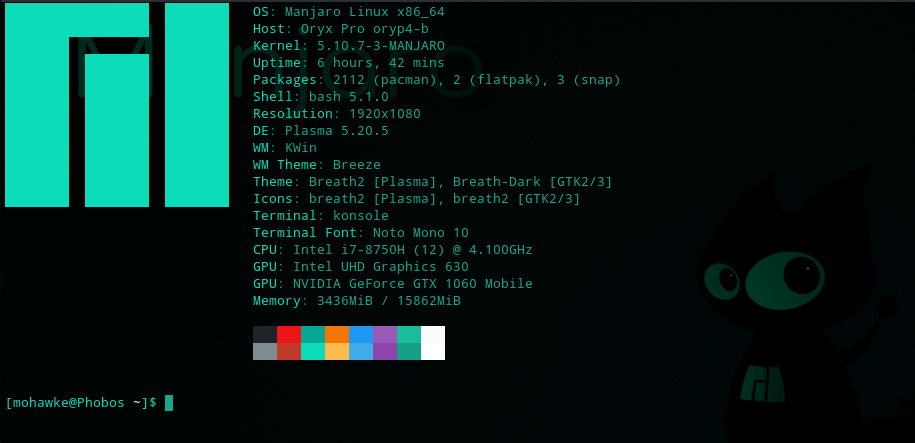
Manjaro Nibia Linux 20.2.1, Plasma: 5.20.5
Kernel: 5.10.7-3
SYSTEM CONFIGURATION
If you get a real-time error, especially in Audour do this.
Install realtime-privileges
sudo pack -S realtime-privilegesAdd your username to the realtime group:
sudo usermod -aG realtime your_usernamereboot
If you find things crackling and popping as you add more tracks, or when using some plugins, try this: command to set your CPUs to performance:
sudo cpupower frequency-set -g performanceOPEN SOURCE SOFTWARE
If you want to use all open source and/or free products this section is for you. Open pacman “Add/Remove Software” in the application menu. In settings, hamburger top right, enable AUR if any of those packages interest you. Install what you need or want. If you have room install it all. You can remove what you don’t want at anytime and it won’t cost anything.
NOTE: You can type these into the search in the Pacman software GUI or copy + paste – you do not need the version. I link for convenience.
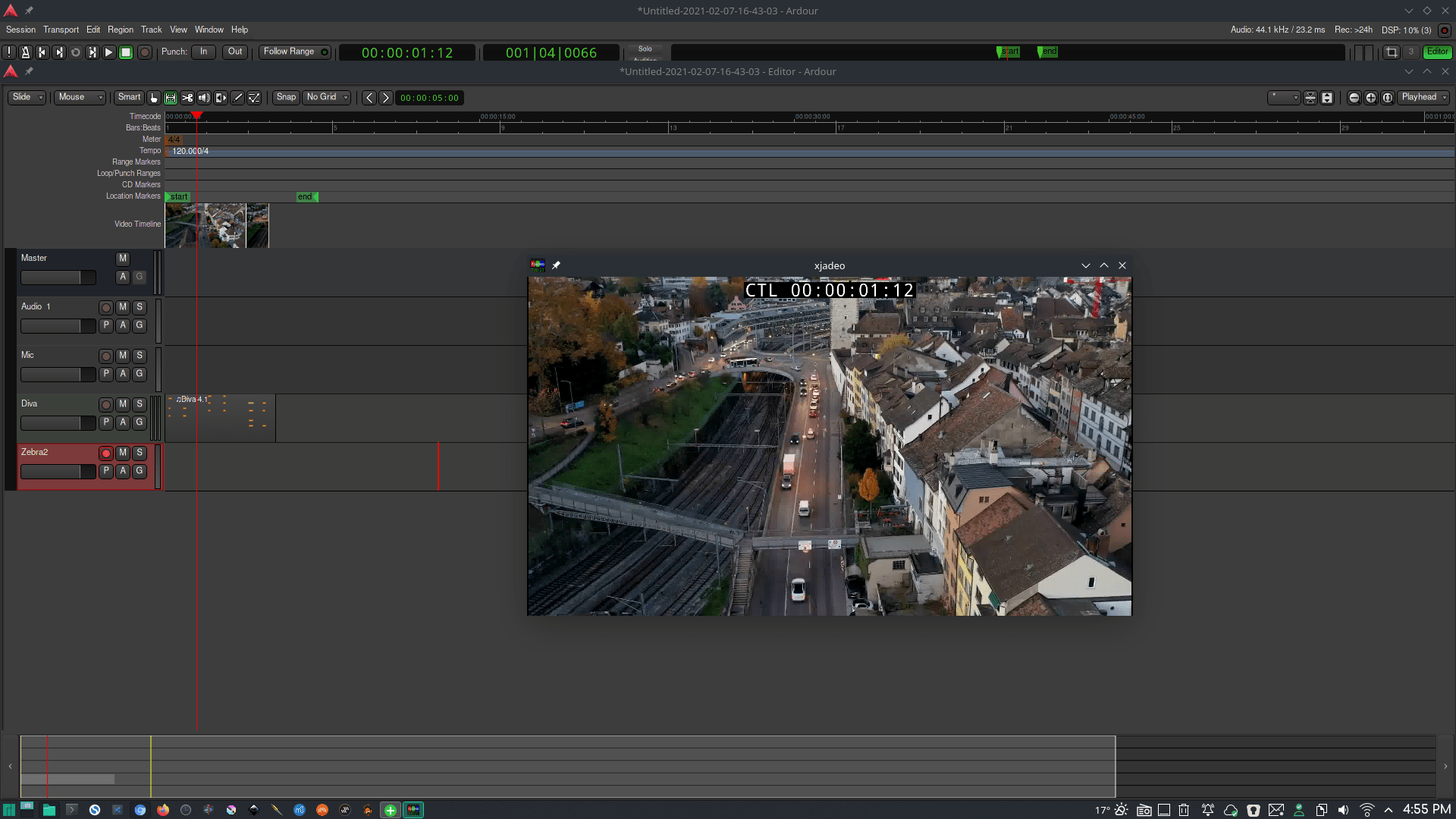
NOTE: If you want to create video or movie scores Ardour should have everything you need already except one piece. You will need to install xjadeo to get the actual video monitor.
PLUGIN INSTRUMENTS\EFFECTS
| Helm | 0.9 | REPO |
| ZynAddSubFX | 3.0.5 | REPO |
| AMSynth | 1.12.2 | REPO |
| lsp-plugins | 1.1.28 | REPO |
| Surge | 1.7.1 | REPO |
| zam-plugins | 3.14 | REPO |
| sfizz | 0.5.1 | REPO |
| Drumgizmo | 0.9.19 | REPO |
| gxplugins.lv2 | 0.8 | REPO |
| rkr.lv2 | beta3, r2 | REPO |
| beatslah-lv2 | 1.0.6 | REPO |
| mda-lv2 | 1.2.6 | REPO |
| OpenAV | – | AUR |
| x42-autotune | 6.6 | – |
| noise-repellent | 0.1.5 | REPO |
| autotalent | 0.2 | – |
| Breadslicer | – | – |
WINDOWS VST SUPPORT
Recently switched to Yabridge. Yabridge can be install from AUR.
| carla-bridges-win32-git | 2.3.0-alpha2 | AUR |
| carla-bridges-win64-git | 2.3.0-alpha2 | AUR |
CONNECTIONS AND BRIDGES
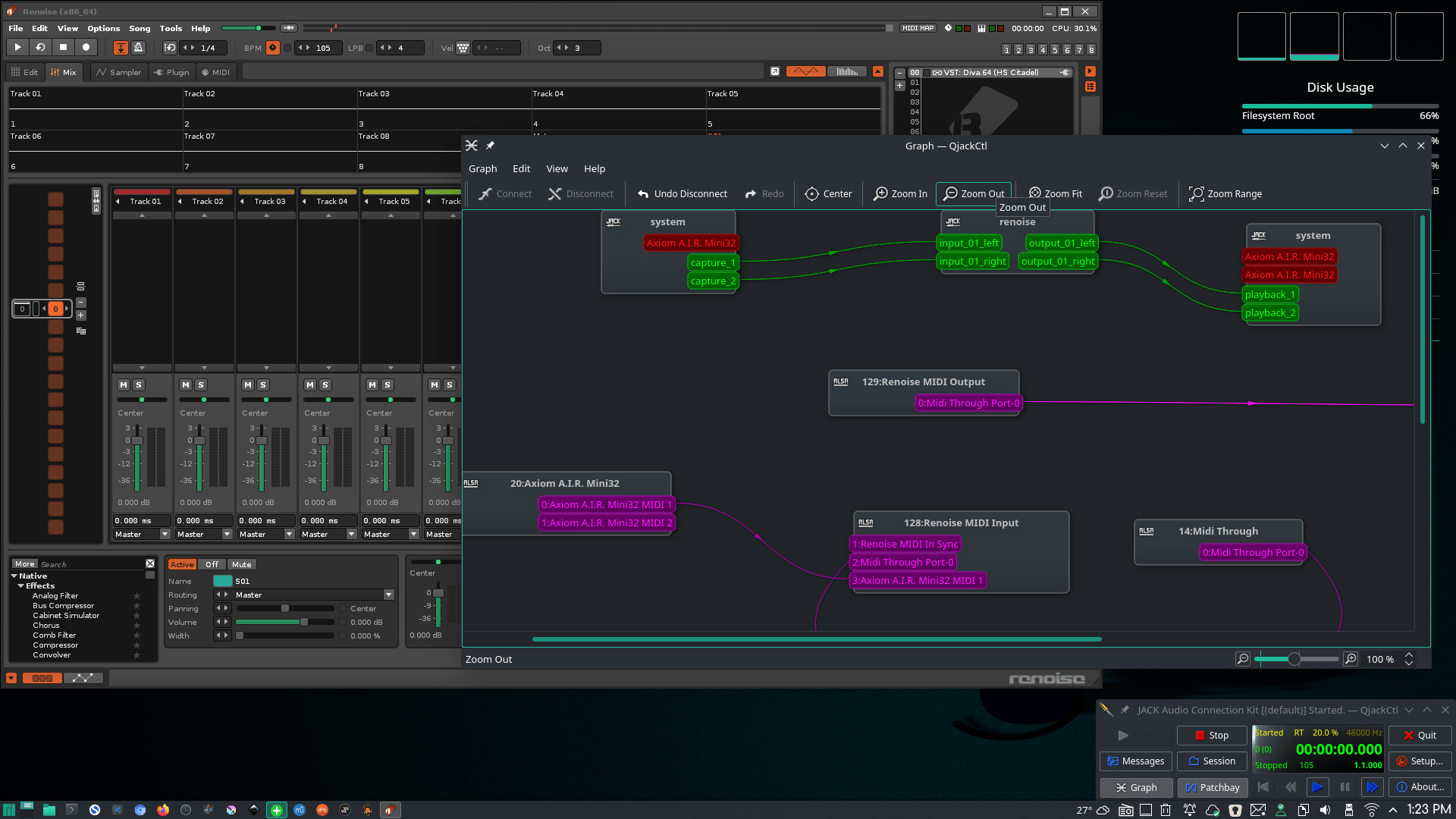
Recently switched to Pipewire and occasionally use its implementation of Jack. I am using Helvum, in official repos, for patching.
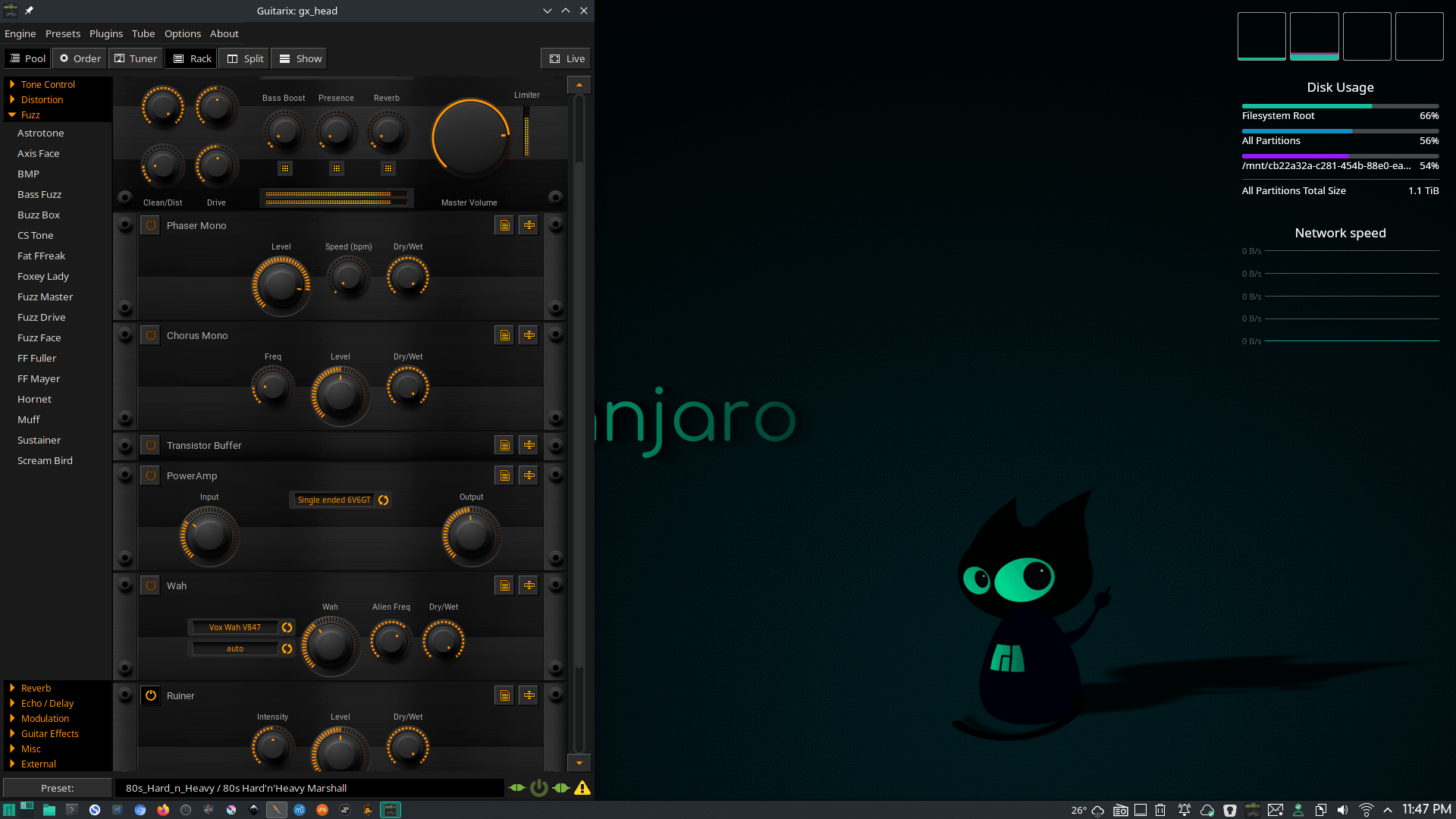
GUITAR
NOTATION
EXTRAS
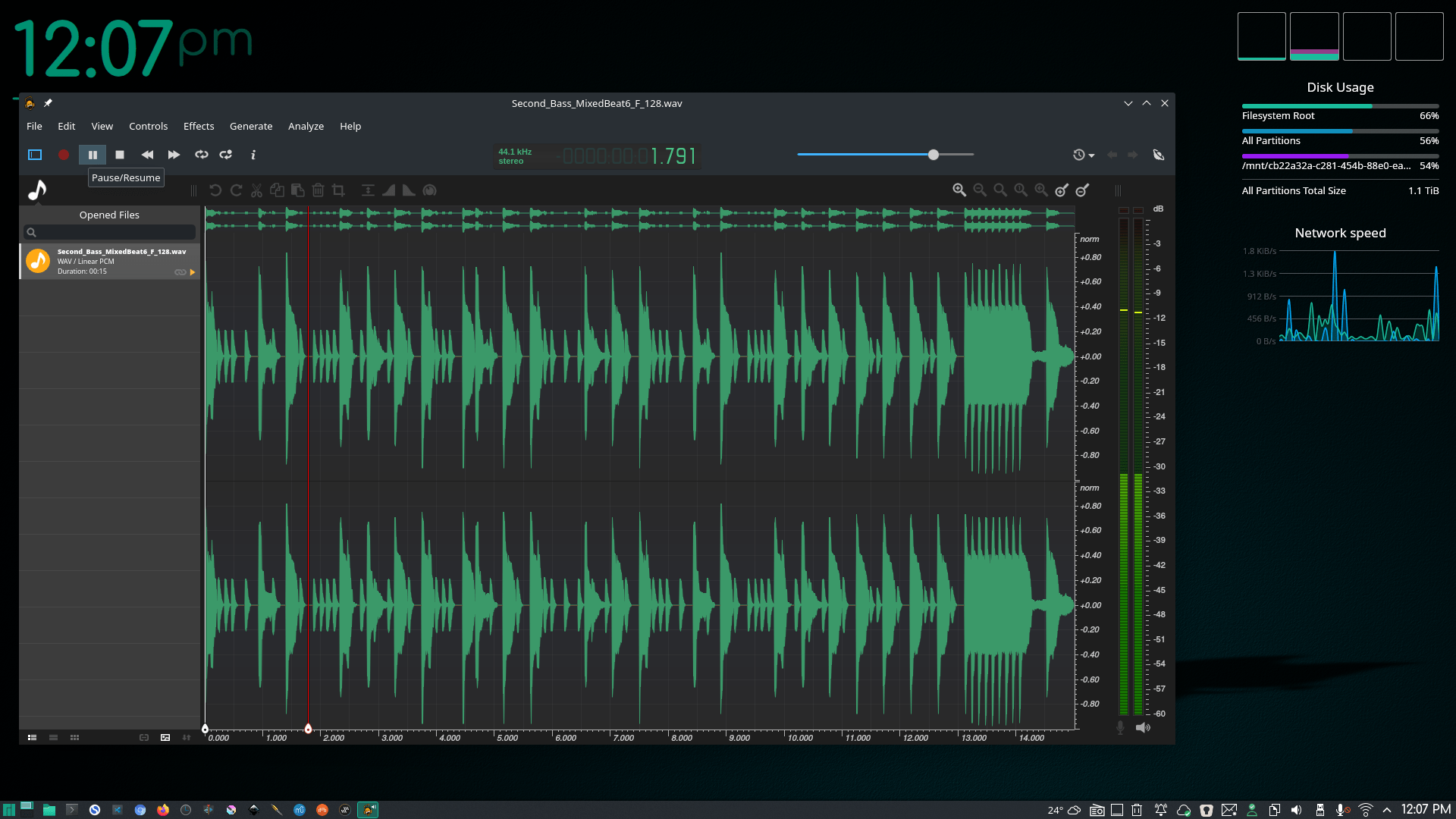
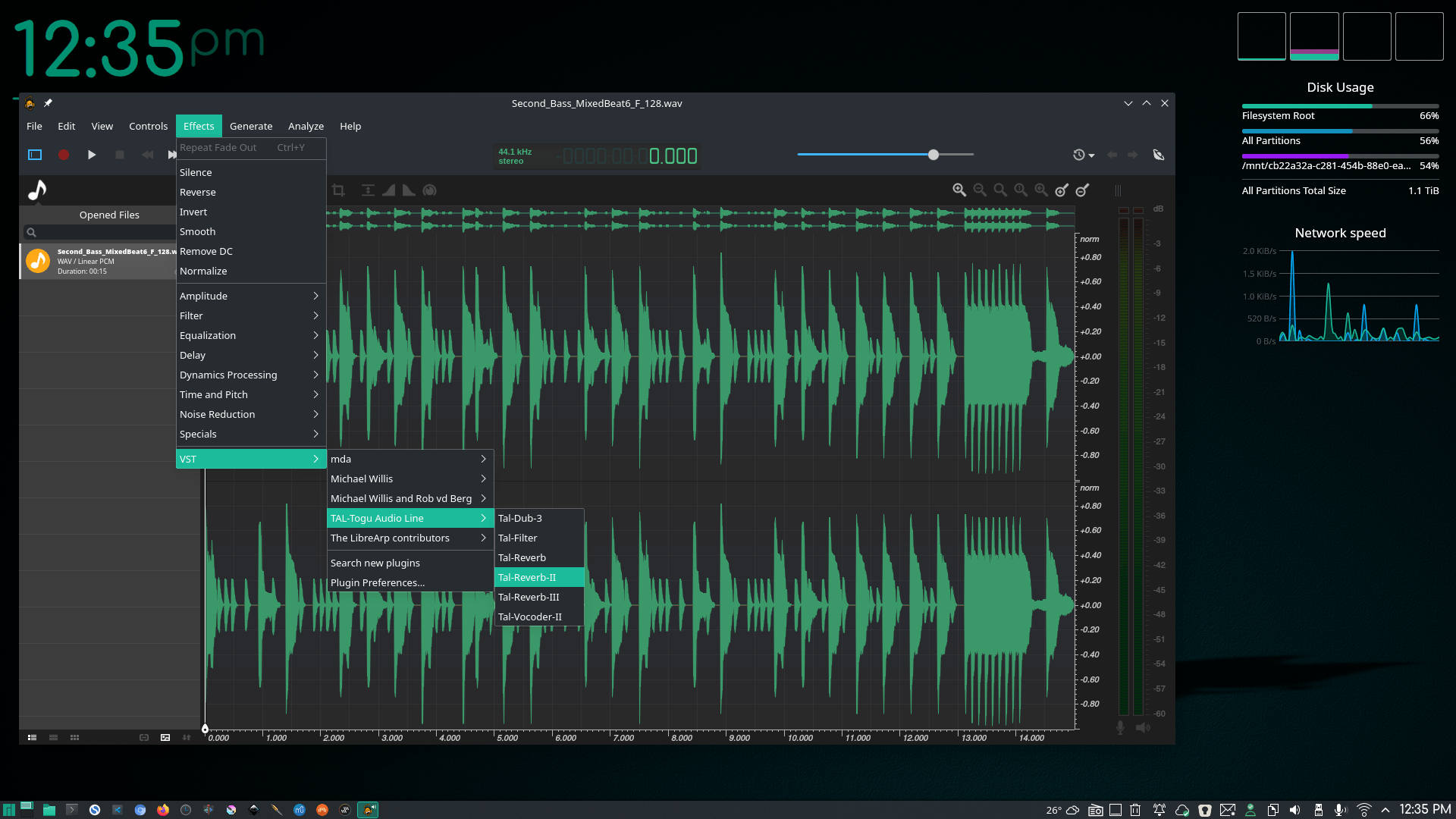
Here’s a couple fun programs I always play with. They are not in the repos but they are free. Ocenaudio is just a given!
| Helio | https://helio.fm/ |
| SunVox | https://www.warmplace.ru/soft/sunvox/ |
| Ocenaudio (I use Audacity for serious editing, this for VST) | https://www.ocenaudio.com/ |
| Sitala | https://decomposer.de/sitala/ |
| AirWindows | https://www.airwindows.com/airwindows-linux/ |
| Gnaural | http://gnaural.sourceforge.net/ |
| VCV Rack | https://vcvrack.com/Rack |
If you search online you can find some really nice free Linux VSTs not available in the repos. There are many more free Windows VSTs also that can be loaded via Carla to extend your plugin base.
For a list of free as well as commercial VSTs for Linux and Windows head to KVRAudio.
CORD PROGRESSION MIDI FILES
I see companies selling these but there are free ones out here. Like this one: https://drolez.com/blog/music/free-midi-chords-progressions.php
SOUNDFONTS
http://www.synthfont.com/links_to_soundfonts.html
MANUAL VST SETUP
In your home folder create the following folders to place all your VSTs.
/home/YOUR_USER_NAME/.vst
/home/YOUR_USER_NAME/.vst3
/home/YOUR_USER_NAME/WinVST
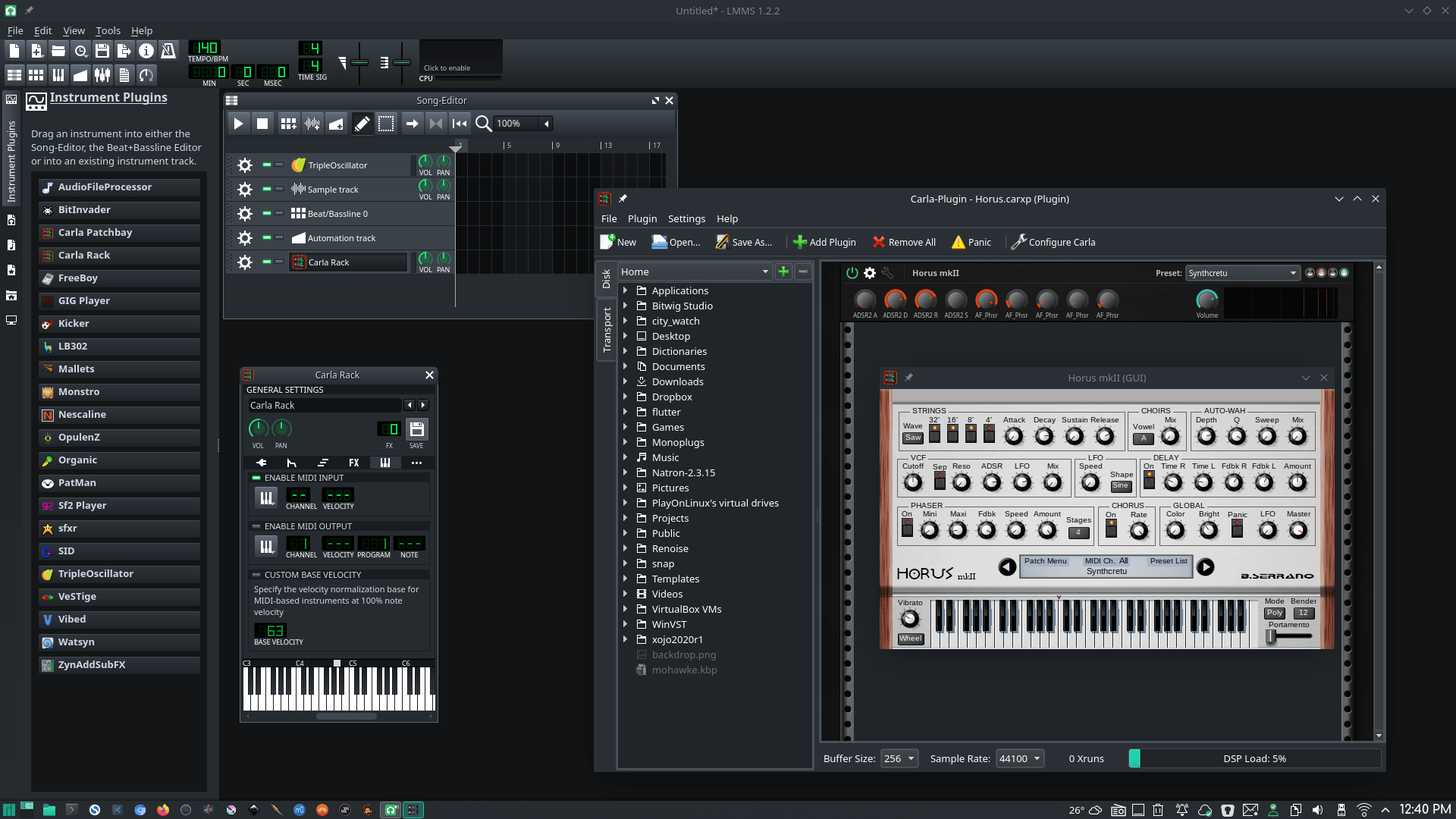
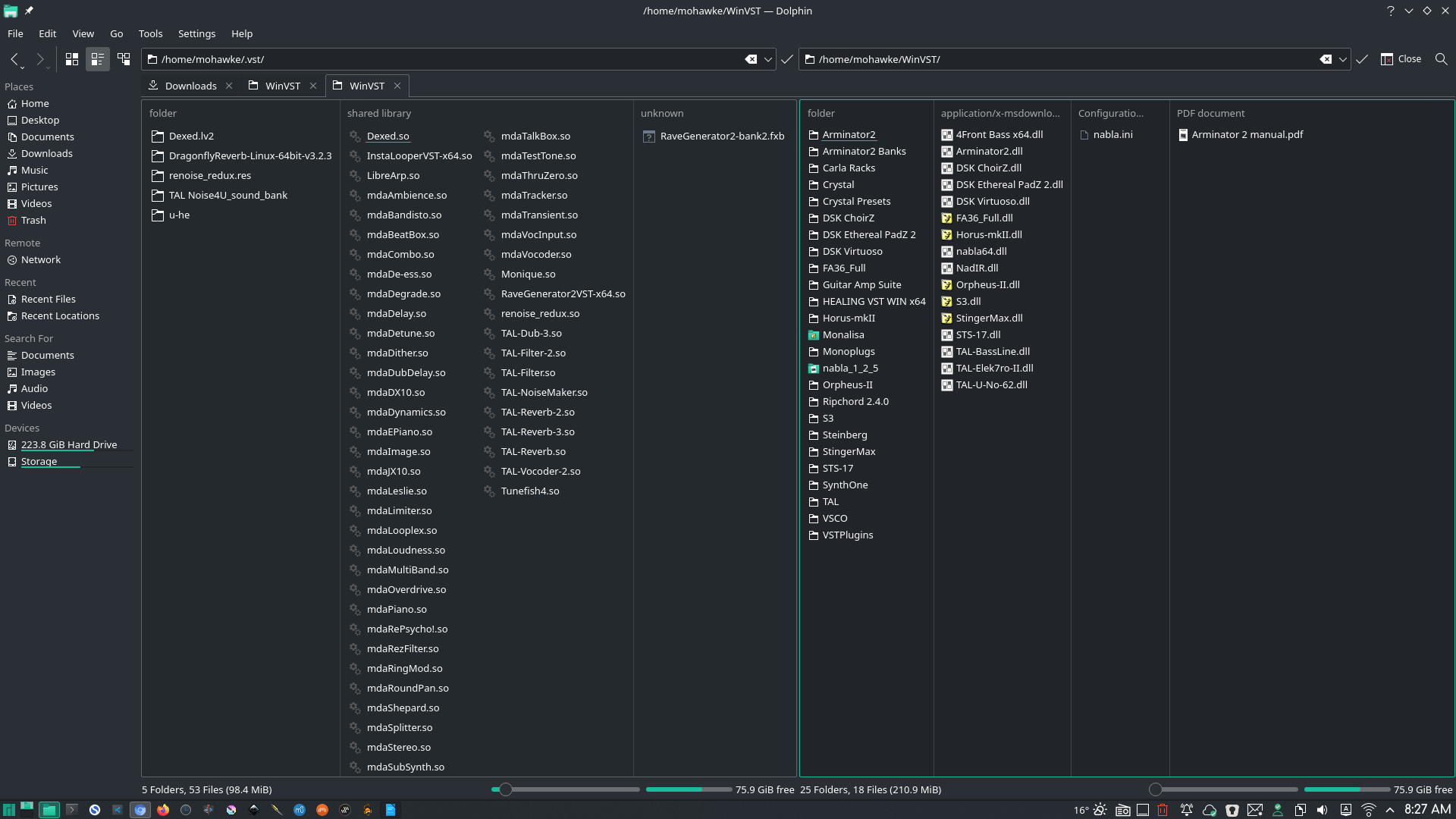
Copy Linux VSTs (.so or .vst3) to the first two and Windows VSTs (.dll) to WinVST. These folders are hidden, so show hidden folders to manage them in your file manager. You add these paths to your DAWs so they pull the plugins in, folders in /usr/lib are usually already setup. I do not set WinVST to hidden as it is easier for Carla to find it. I also save all my Carla Rack presets there. See some of my VSTs in the screen shots at the bottom of this post.
Some Windows VSTs require installation. You can use system Wine to run them then point the install files to WinVST. This won’t work for all but many will work fine. BX_SubFilter works fine, Serum does not. I use PlayOnLinux and create a 64 and 32 container only used to install VSTs. The below video will show you my process.
COMMERCIAL OPTIONS
I do own a couple of DAWs and I recommend them highly. You don’t really need them, you can do the same thing in Ardour, LMMS, and possibly Milky Tracker but these products have a bit more polish and professional features which makes them shine.
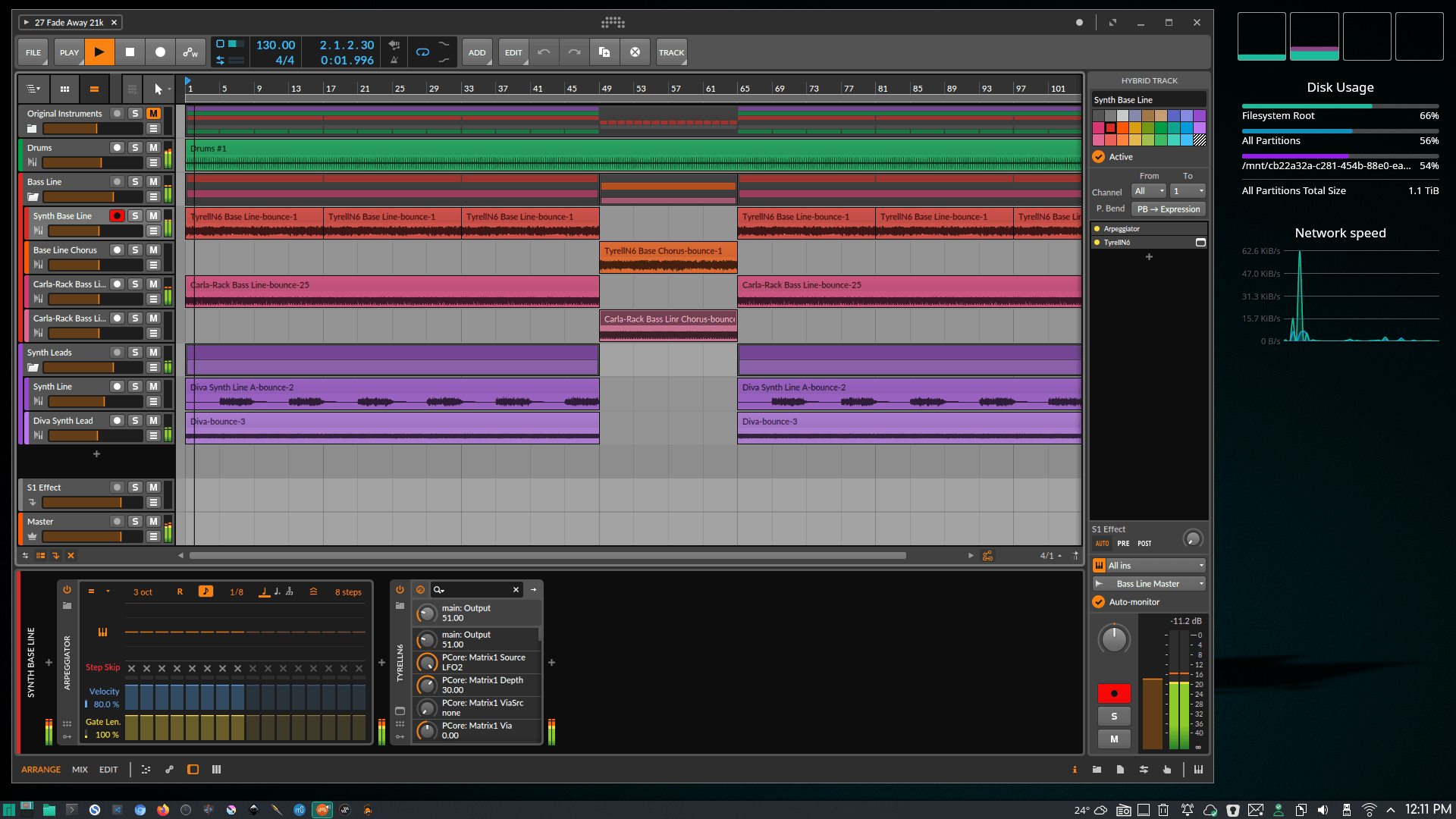
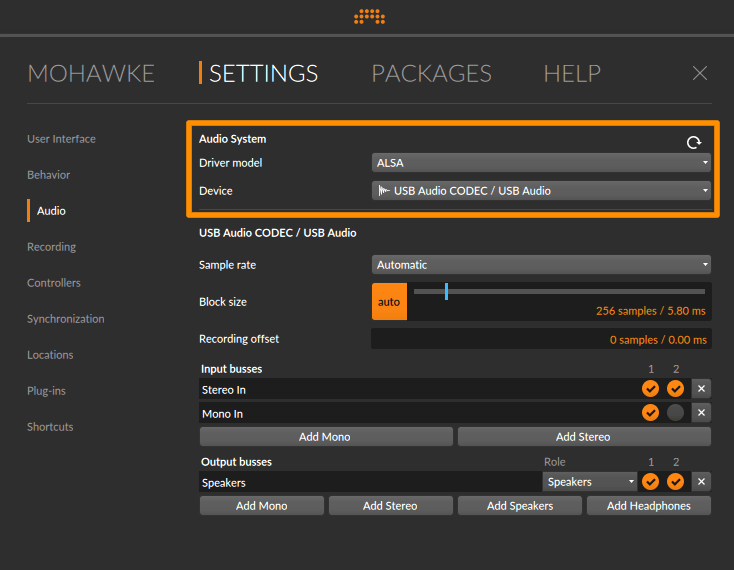
- Bitwig Studio. I love this product. Bitwig works flawless with
Jack, ALSA, and PULSEPipwire. I do flip to ALSA in audio settings when plugging the guitar in but the fact that I don’t have to screw with Jack to wire shit up is a plus. I do select Jack in Bitwig settings when not recording guitar. You could likely wire up the guitar through Jack so you can avoid changing this but I rarely input guitar. Same setting in Ardour, just start ALSA.- NOTE: Download the .deb installer directly from Bitwig then use debtap to convert to an Arch/Manjaro installer.
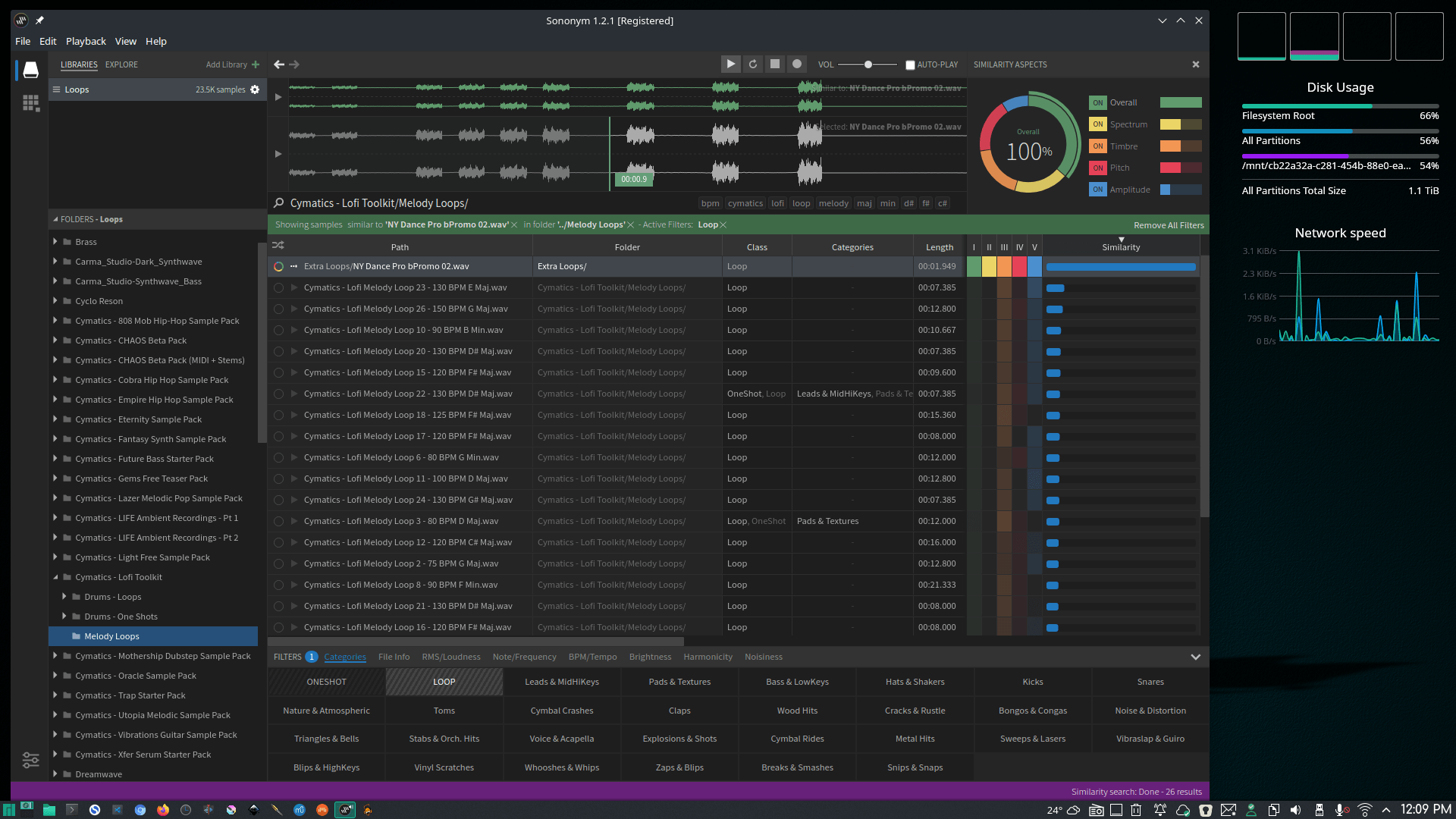
- Sononym. Another product I love. If you have a shit ton of samples and loops this will make managing them a pleasure.
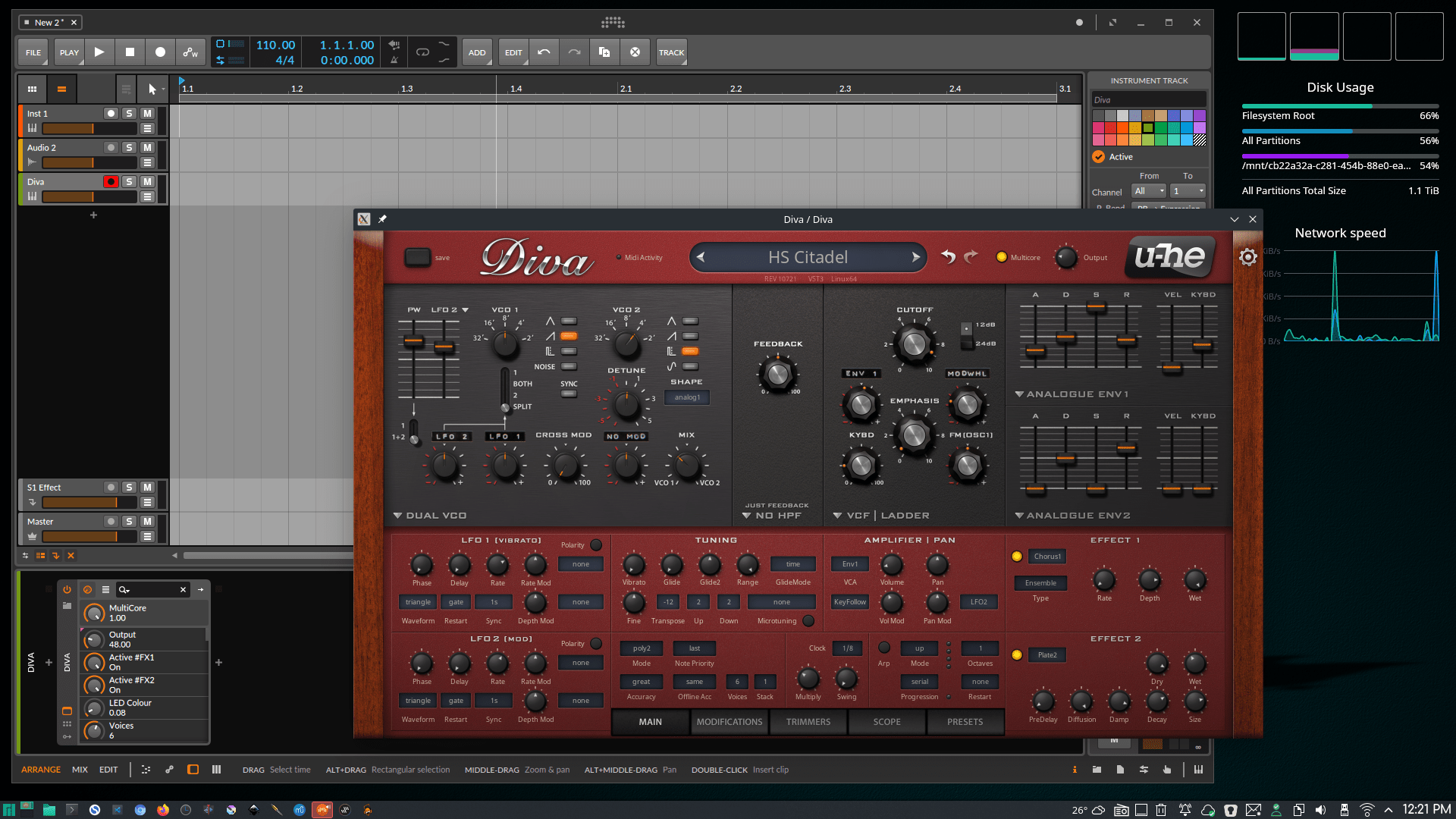
- Any of the U-He VSTs. Diva, Zebra 2, and Hive 2 will likely be all the synth you will ever need. No matter what OS I work in I will always use these.
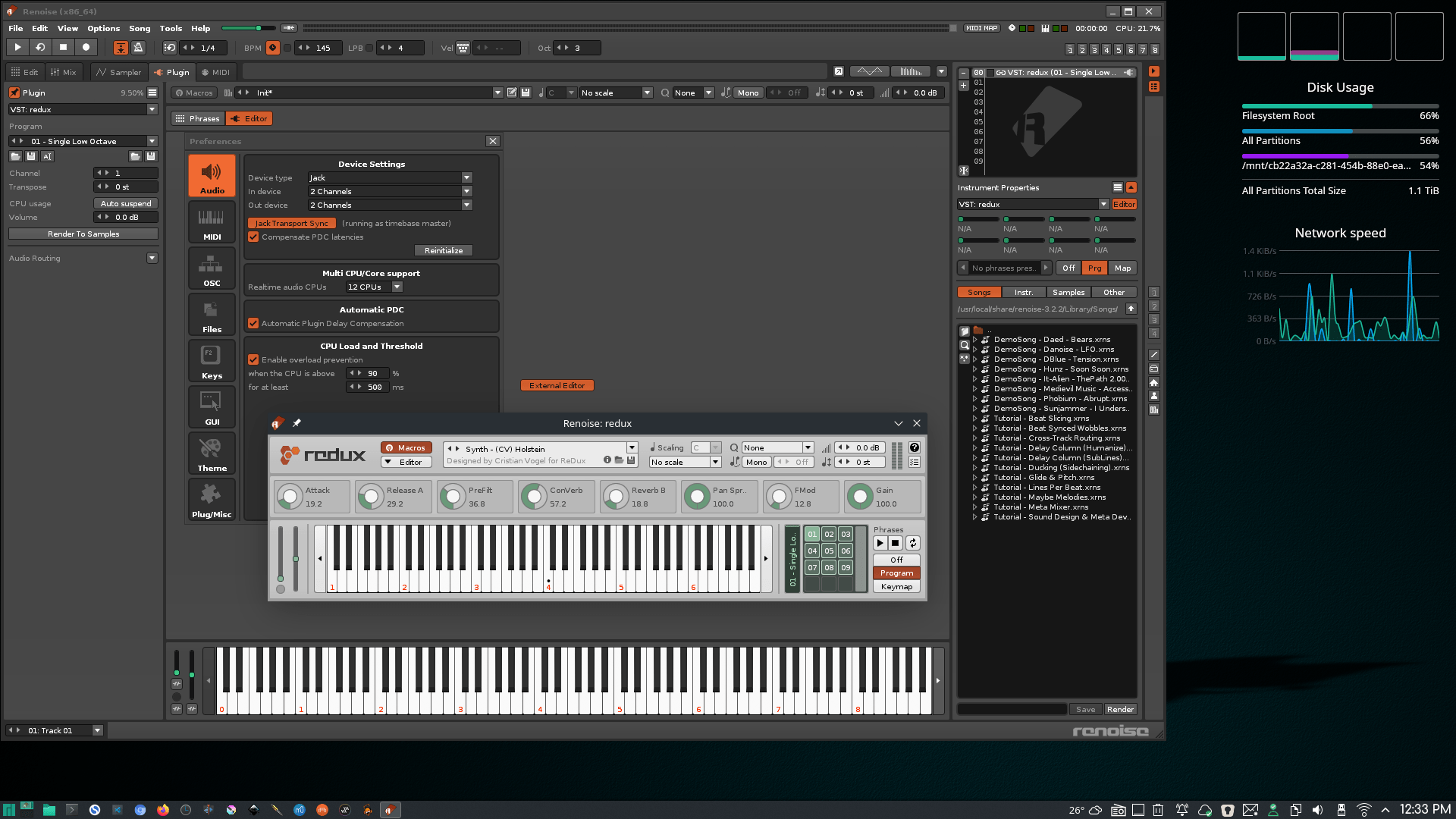
- Renoise. Fun to play with. I have not really tried to wrap my head around it for anything serious but it’s fun to make drum beats in.
Here are some others that I have tried but ended up not using. They just seemed unpolished and buggy. You might have better luck and they are cheaper than the above.
- EnergyXT. I dumped it as it doesn’t work well with Manjaro.
- Reaper. Not too bad, good alternative to Ardour.
- Tracktion T7 (Waveform) Free and paid. I installed it, but haven’t had any time clocked using it.
- Zrythm Nice DAW I support.
NOTES: Some commercial software distributes as Debian packages, .deb files, so I convert using Debtap. It works well and all products mentioned in this post install and work fine. Get Debtap here and copy to /opt and symlink to /usr/bin.
If you wish to sync video within Bitwig it’s pretty easy. Start Jack, start Bitwig and set audio to Jack and in syncrinization set to MIDI clock, then start Xjadeo. Right click in Xjadeo and select Sync then Jack. Also set Xjadeo to stay on top unless you can move it to a second monitor. Hit space in Bitwig and the video should play and be synced to the audio time line. It took me some trial and error to realize I didn’t need any connections or patching Jack. Xjadeo can be installed via Pacman.
COMMERCIAL LINUX VST, some with free options
- TAL Software
- Modartt
- IllFormed
- DSP
- u-he
- Loomer
- Vital
- MOK
- MT Power Drumkit 2
- AcidBox & Instalooper
- Atlas2
HARDWARE
I am working on a laptop and the speakers on any laptop aren’t going to cut it for making music so at the very least you will want some decent headphones to catch all those details and bass.
If you want to plug in an instrument and\or mic you will need an interface, and one that will work with Linux.
A second screen is nice, and being USB-C it isn’t taking up much space or taking away my standard USBs. It will make things more comfortable if you are like me and stuck on a 17” laptop or less.
I use all these items and they all work great in Manjaro, plus they won’t break the bank.
- Headphones, Tascam TH-300X
- Studio speakers, ProSonus Eris E3.5 BT-3.5
- External Mic and Instrument input, behringer U-Phoria UM2
- MIDI keyboard, Axium Mini Air 32
- Second monitor, Auzau 15”
- Epiphone Tommi Iommi SG. I am looking at the Squier Classic Vibe Starcaster to take the place of my Epiphone Les Paul. My opinion is, don’t waste your money on Epiphones. Either buy the damned low end Gibson or find another brand.
SCREENSHOTS
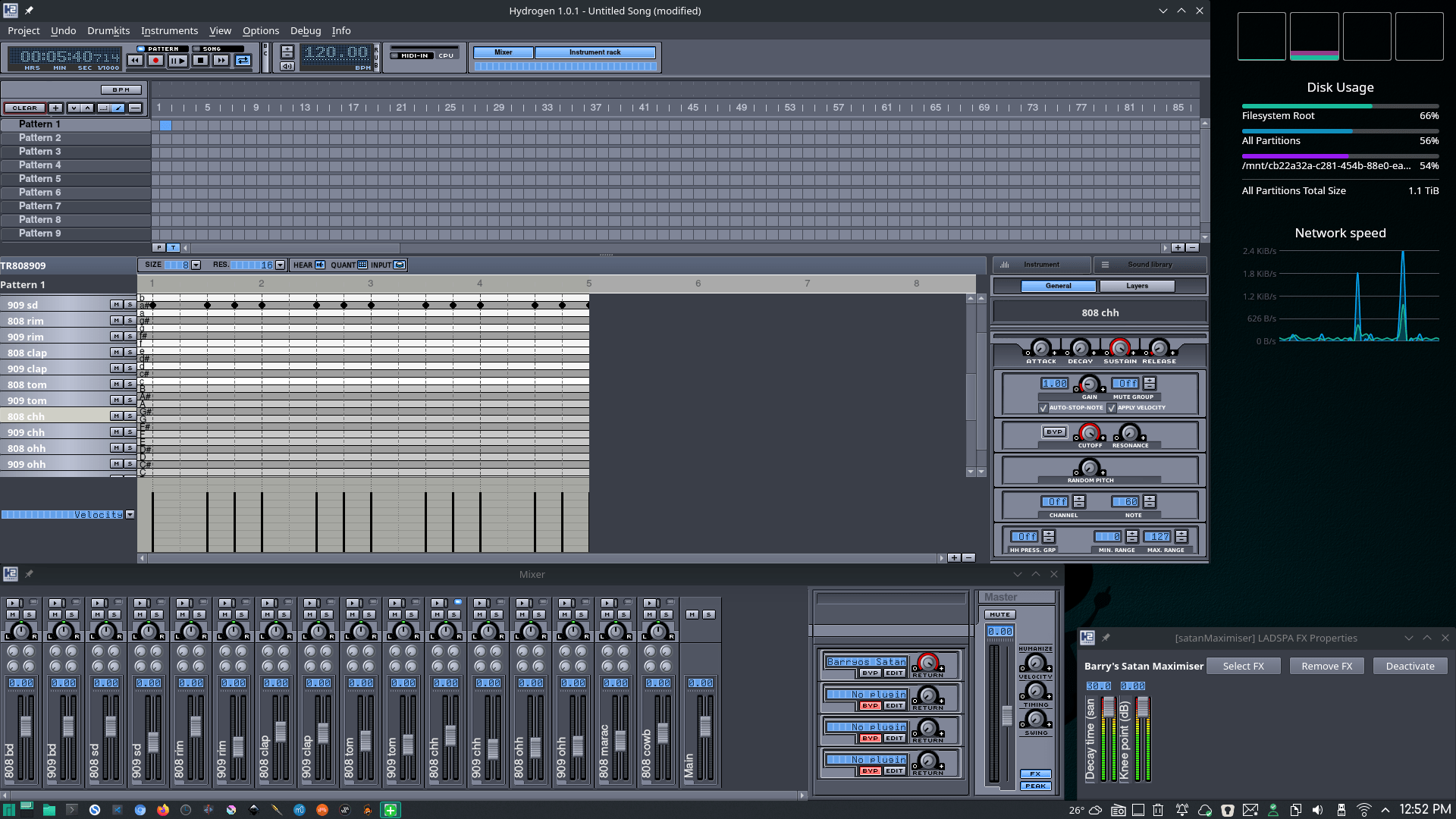
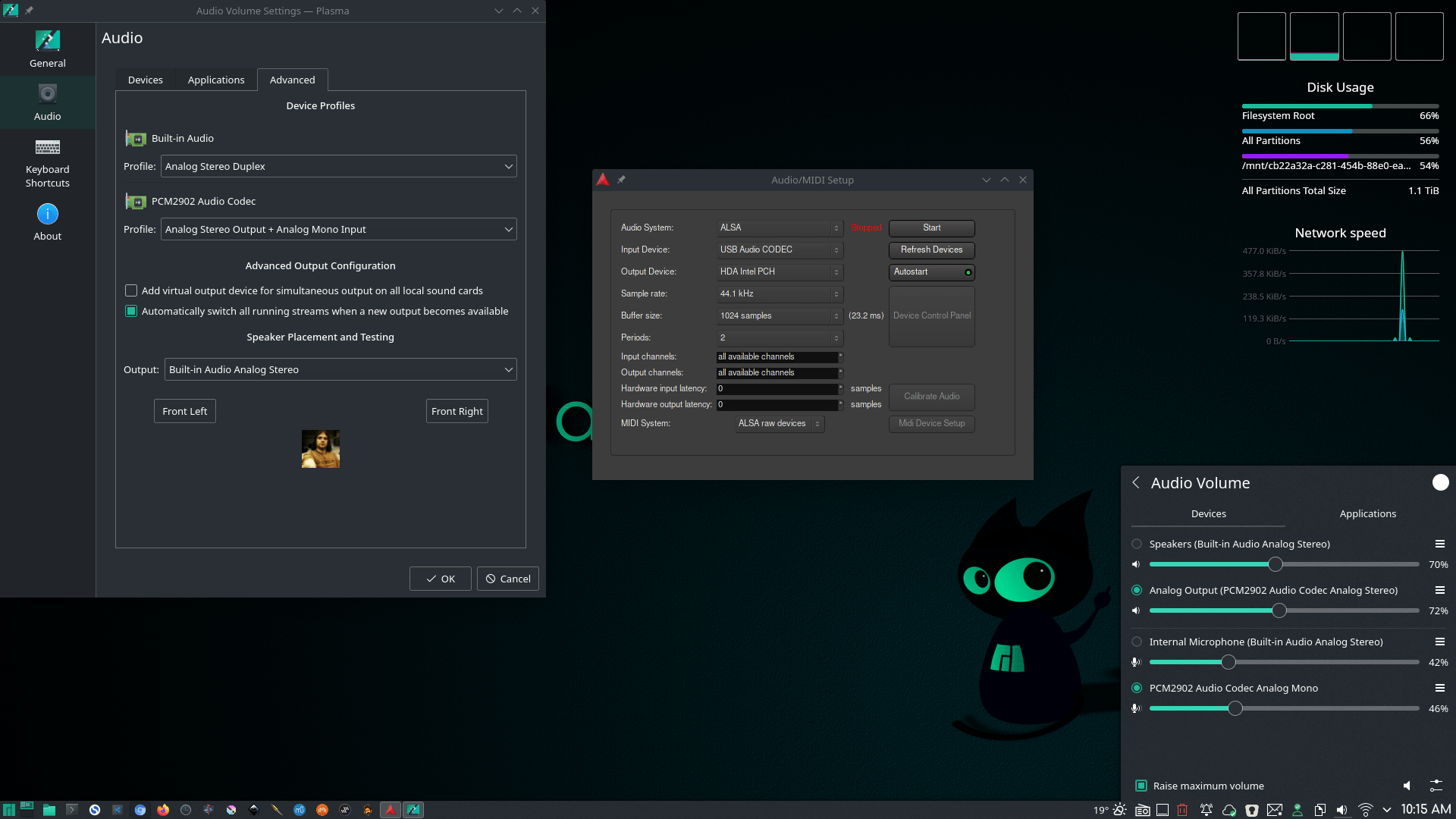
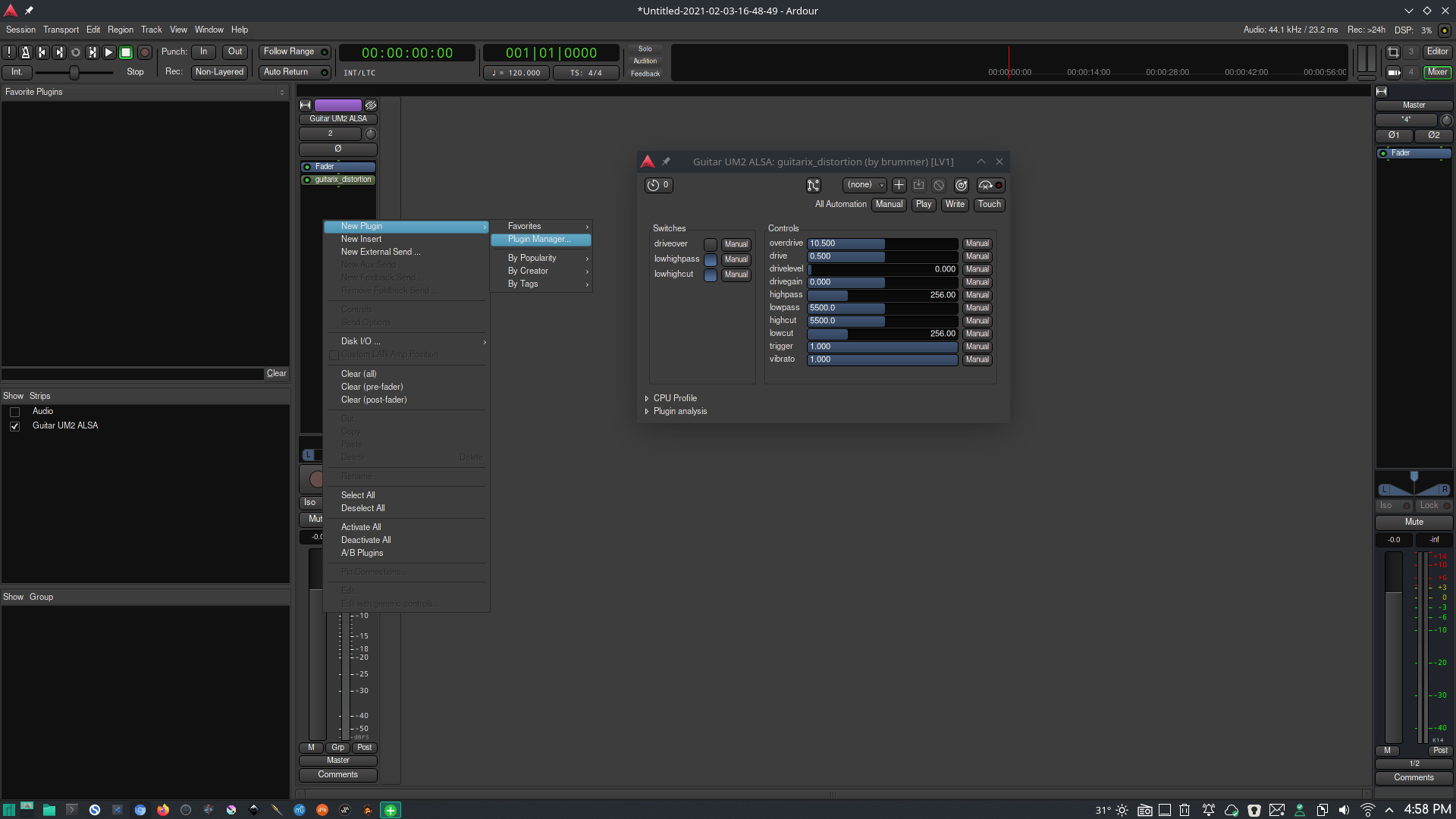
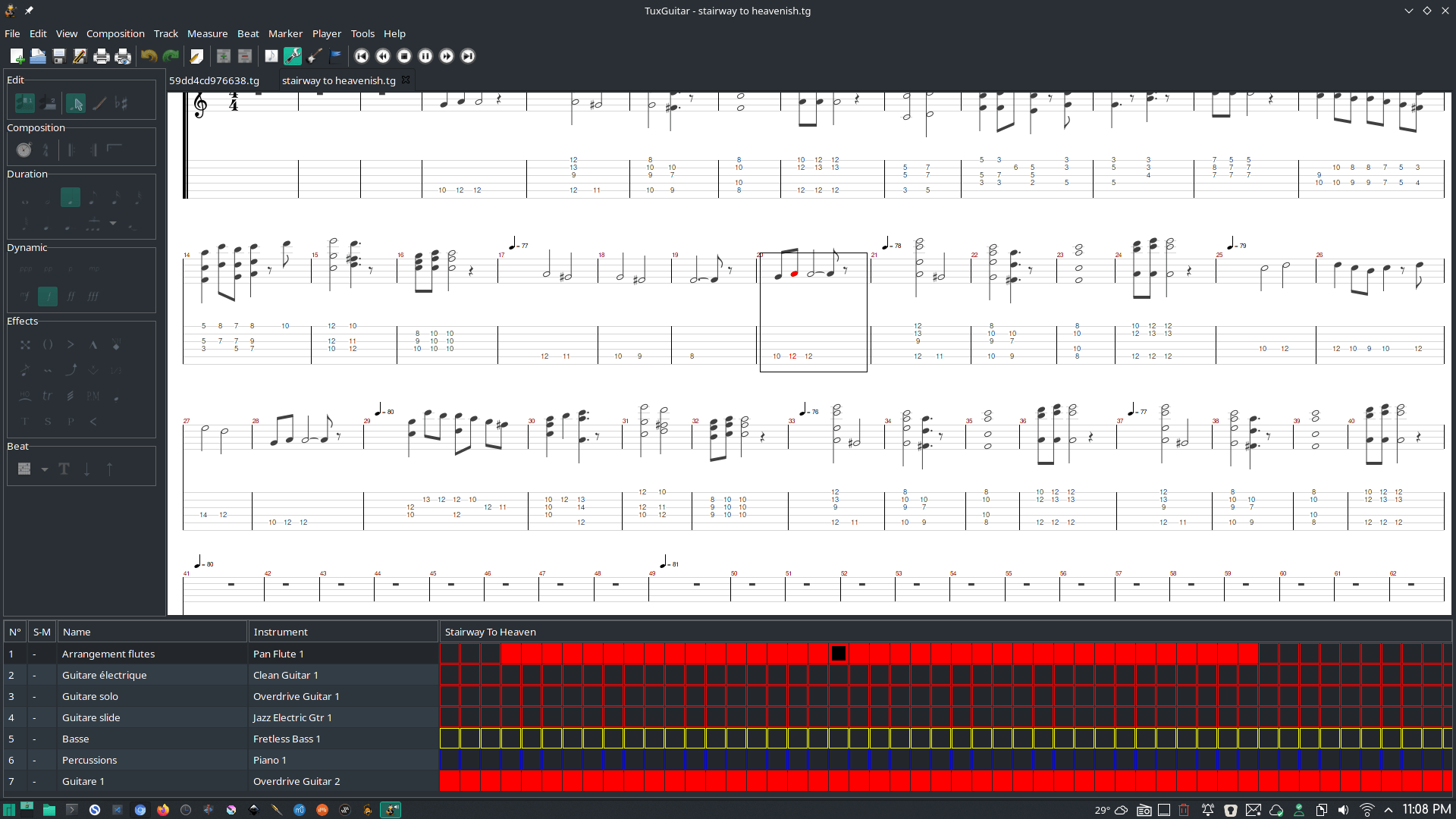
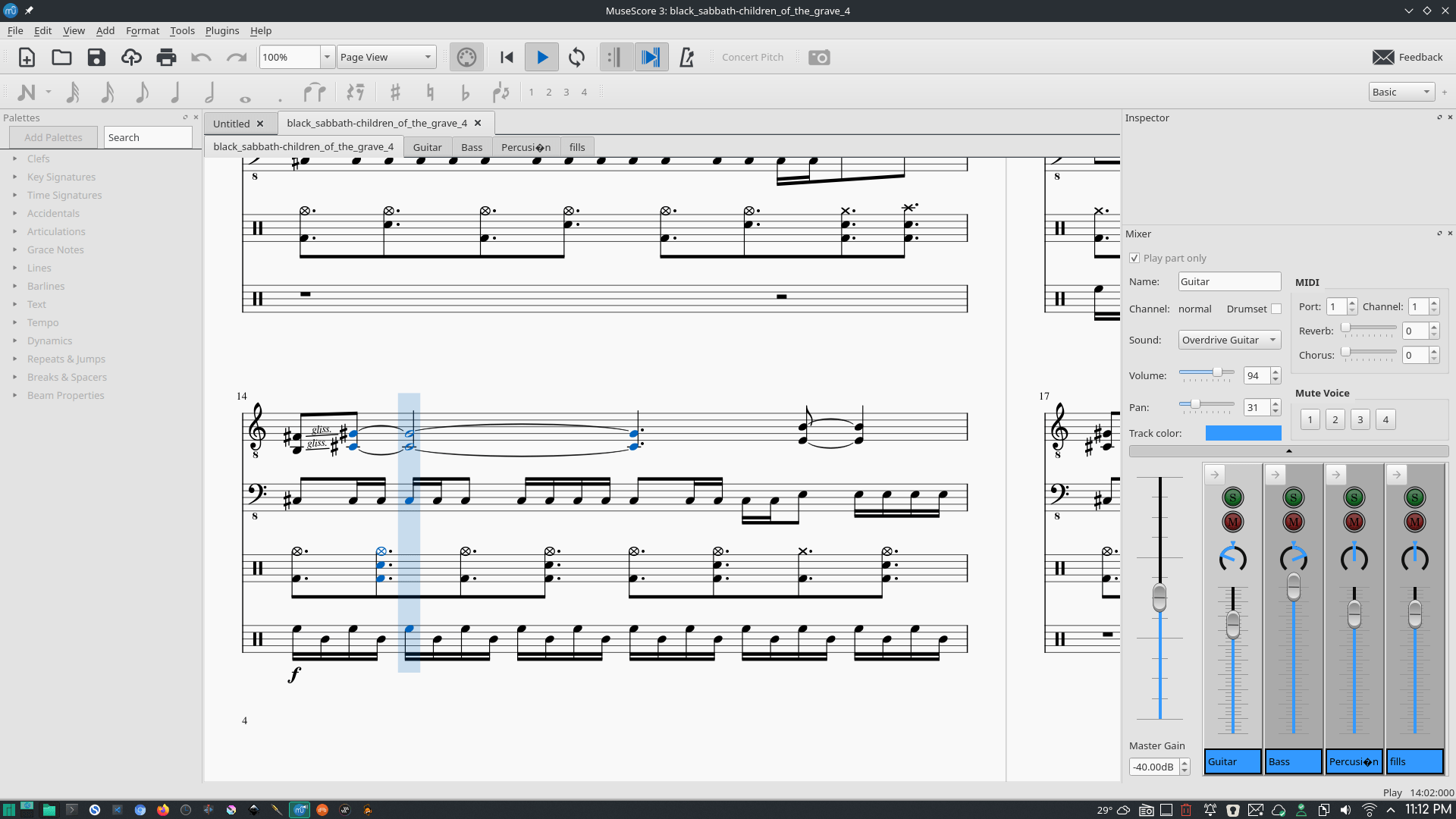
These screen shots show some of products listed above and can also give you a visual of getting some things done, like adding Guitarix distortion on an Ardour audio track. Also gives you a glimpse of the free VSTs I have on my machine.