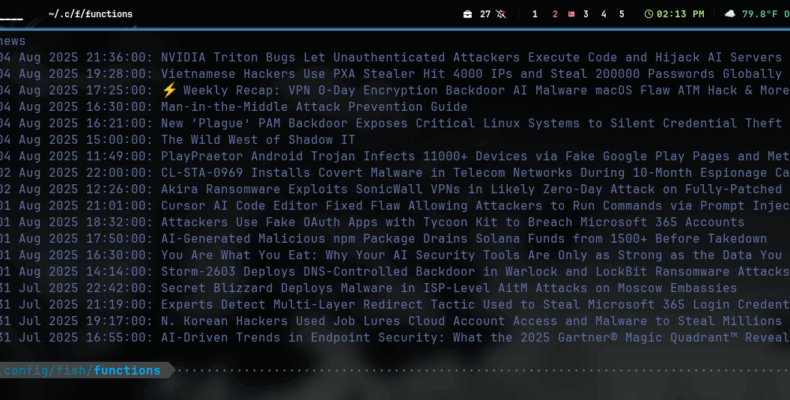
Here is a working example of how to fetch an rss feed with Fish shell and Python. This grabs 40 or so of the latest articles from hacker news with a simple command. You could add code to grab actual dates as opposed to count providing an arg to the user for a date range or just add an arg to specify the count so it’s not hard coded. Sky is the limit, and all that. Anyway.
Anytime I want to see Hacker News in Fish I can simply type hnews. Here is how it is done. First, the Python code. I created a folder in ~/.config/fish named user_scripts for easier management.
Save the Python code as getfeeds.py in user_scripts folder you just created: ~/.config/fish/user_scripts
#!/usr/bin/env python3
import os
from urllib.request import urlopen, Request
from lxml import html
import json

'''
Requires the lxml library.
    Create a virtual env or install via package manager. Arch based:
        sudo pacman -S python-lxml

Save this as getfeeds.py in ~/.config/fish/user_scripts
You will need to create the directory user_scripts
'''

def get_feed(url):
    httprequest = Request(url, headers={"Accept": "application/json"})
    with urlopen(httprequest) as response:
        if response.status == 200:
            return response.read()

def convert(feed_data, article_limit=40, strip_time=True):
    data = {}
    article_count = 0
    tree = html.fromstring(feed_data)
    for tag in tree.iter():
        if article_count >= article_limit:
            break
        if not len(tag):
            try:
                if "title" in str(tag.tag).lower():
                    title = tag.text.strip()
                    data[title]={}
                    article_count += 1
                if "guid" in str(tag.tag).lower():
                    link = tag.text
                    data[title][link]=""
                if "pubdate" in str(tag.tag).lower():
                    pubdate = tag.text.split("+")[0].strip()
                    if strip_time:
                        pubdate = pubdate.rsplit(' ', 1)[0] # rip the time off.
                    data[title][link]=pubdate.strip()
            except:
                pass
    return data

# ----------------
# ***** MAIN *****
# ----------------

feed_url = 'https://feeds.feedburner.com/TheHackersNews'
content = get_feed(feed_url)

data = convert(content)
current = ""
for title in data.keys():
    pub = ""
    link = ""
    try:
        link,pub = list(data[title].items())[0]
        line = f"{pub}^{title}^{link}\n"
        current += line
    except: pass

print(current)
Here is the Fish function. This code needs to be saved as hnews.fish in ~/.config/fish/functions
# Save as hnews.fish in ~/.config/fish/functions
# To open a link, ctrl + left mouse click on title.
function hnews
    set hnlist (python3 ~/.config/fish/user_scripts/getfeeds.py)
    for i in (string split '\n' $hnlist)
        set list_elems (string split '^' $i)
        set check $list_elems[1]
        if test -n "$check"
            echo -e "$list_elems[1]: \e]8;;$list_elems[3]\e\\$list_elems[2]\e]8;;\e\\"
        end
    end
end
Once those two scripts are saved you can type hnews in any terminal using fish shell.
To open a link to the article simply use ctrl + left mouse click. Should open in your default browser.
What you will learn.
- How to pass data to Fish code from Python.
- How to work with Fish lists.
- How to create a link in the shell.
- How to create a Fish function.
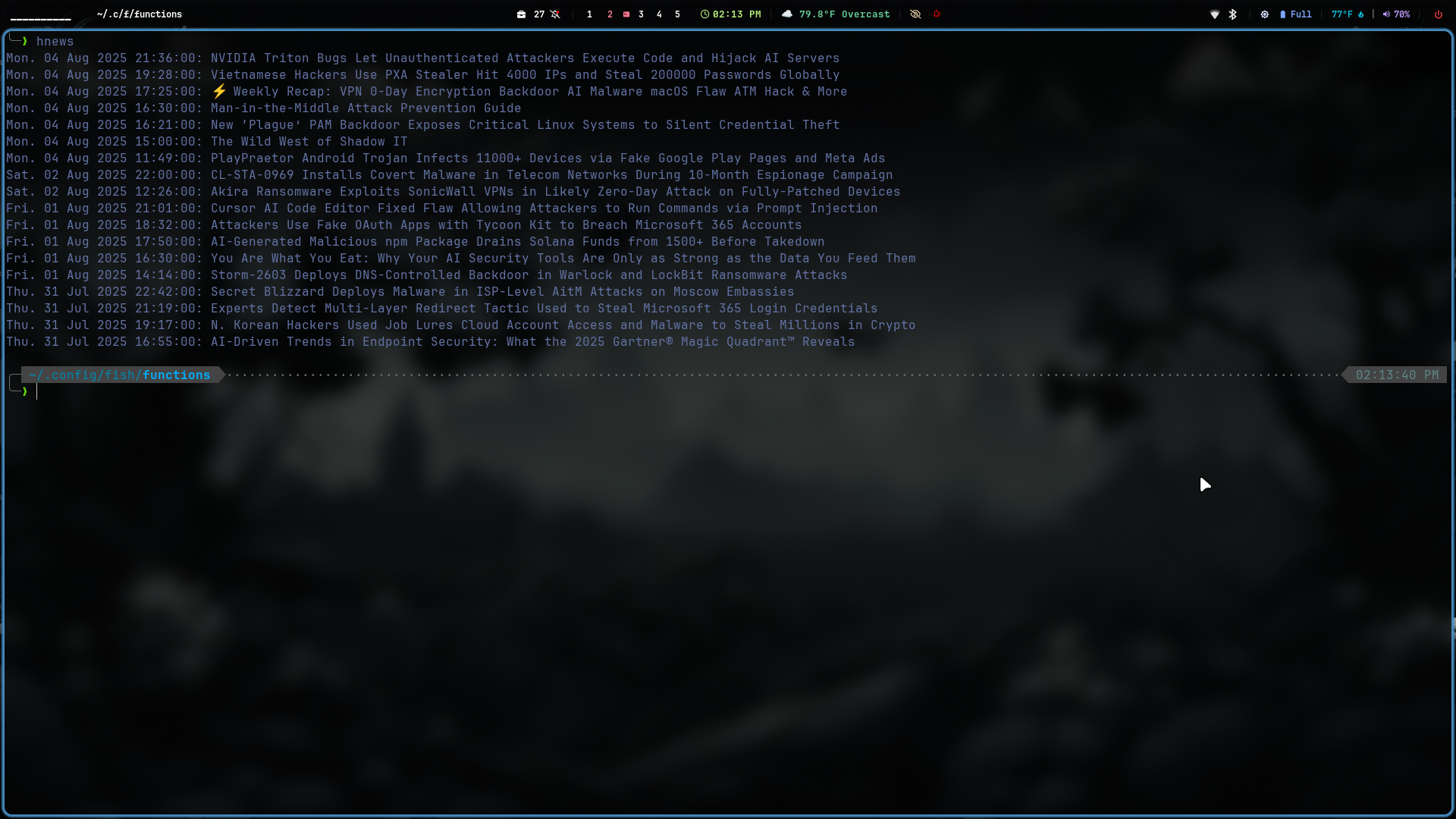
Got to have a screenshot, right?
Fish Shell is pretty amazing so I must leave you with another cool feature. This can work with anything, not just pass, but I thought it was cool to assign aliases for quick access to passwords.
If you save passwords with pass you can create aliases to quickly retrieve passwords.
New to pass? Get it configured here.
Save a password:
pass insert Personal/Gmail
pass will ask you to enter your password. Once done you can get your password with pass Personal/Gmail. That’s not too bad, but let’s make it even shorter using a Fish alias.
Type:
alias –save gm=’/usr/bin/pass Personal/Gmail’
Now you can type gm to get your password. Of course, I would not set that up on a computer at the library or where you don’t want others to accidentally reveal your password. It sure does open up possibilities for all kinds of other things though. You can even assign to apps, just be sure to add a space and & at the end so it doesn’t lock the terminal, like so “/usr/bin/opera &”
Hope this was useful.
